RONIN Desktop
A local-first meeting copilot for macOS. Real-time transcription, AI-powered suggestions, and an editable post-meeting summary—everything runs on your Mac via MLX. No cloud, no API keys, no account.
Signed with Developer ID and notarized by Apple — opens cleanly
through Gatekeeper. The Qwen3-4B language model is bundled
inside the DMG. Whisper (~1.5 GB) downloads automatically in
the background on first launch into ~/.cache/huggingface/
— progress is shown in the Meeting Prep screen.
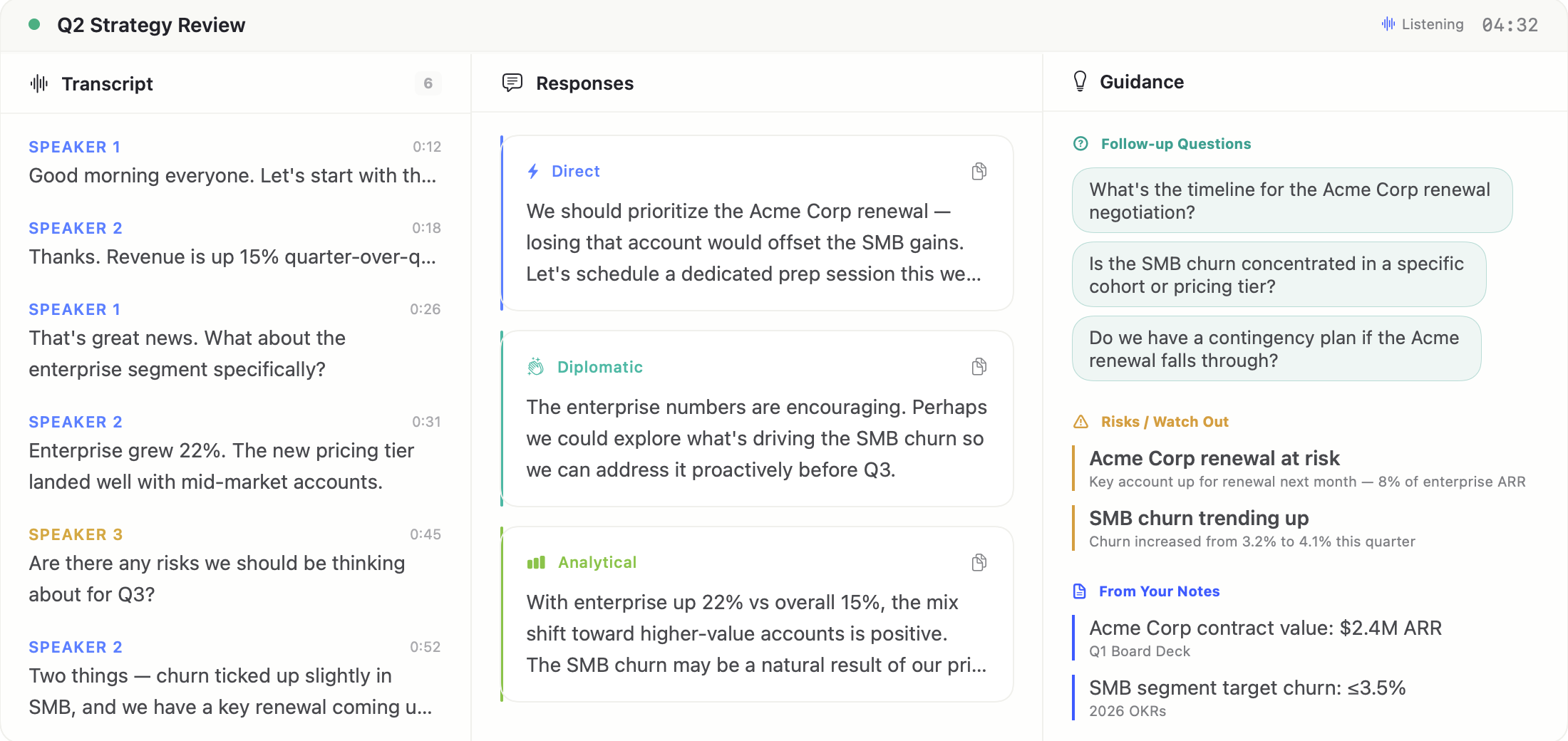
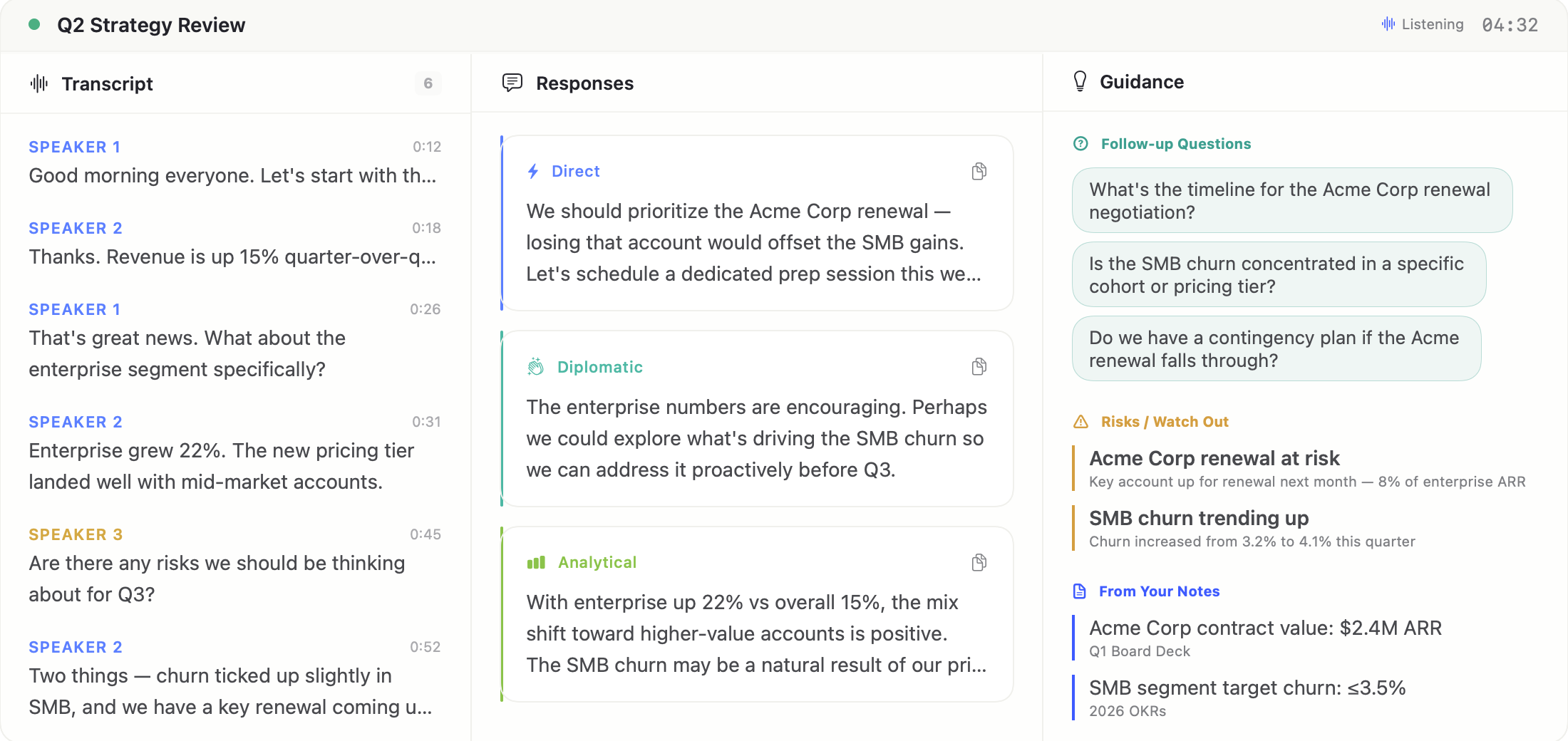
The floating 3-panel overlay sits on top of your video call — transcript, response suggestions, and contextual guidance in real time.
Meeting tools record everything and send it to the cloud. Your conversations, your negotiation strategies, your half-formed ideas—all uploaded to servers you don’t control. RONIN takes the opposite approach. Audio stays on your device. Transcription and LLM inference both run on your Apple Silicon GPU via MLX. No cloud call is ever made — the bundled FastAPI sidecar binds only to 127.0.0.1.
Instead of a passive recording, RONIN is an active copilot. It listens in real-time and surfaces suggested responses, follow-up questions, risk flags, and relevant facts from your prep notes—while the conversation is still happening.
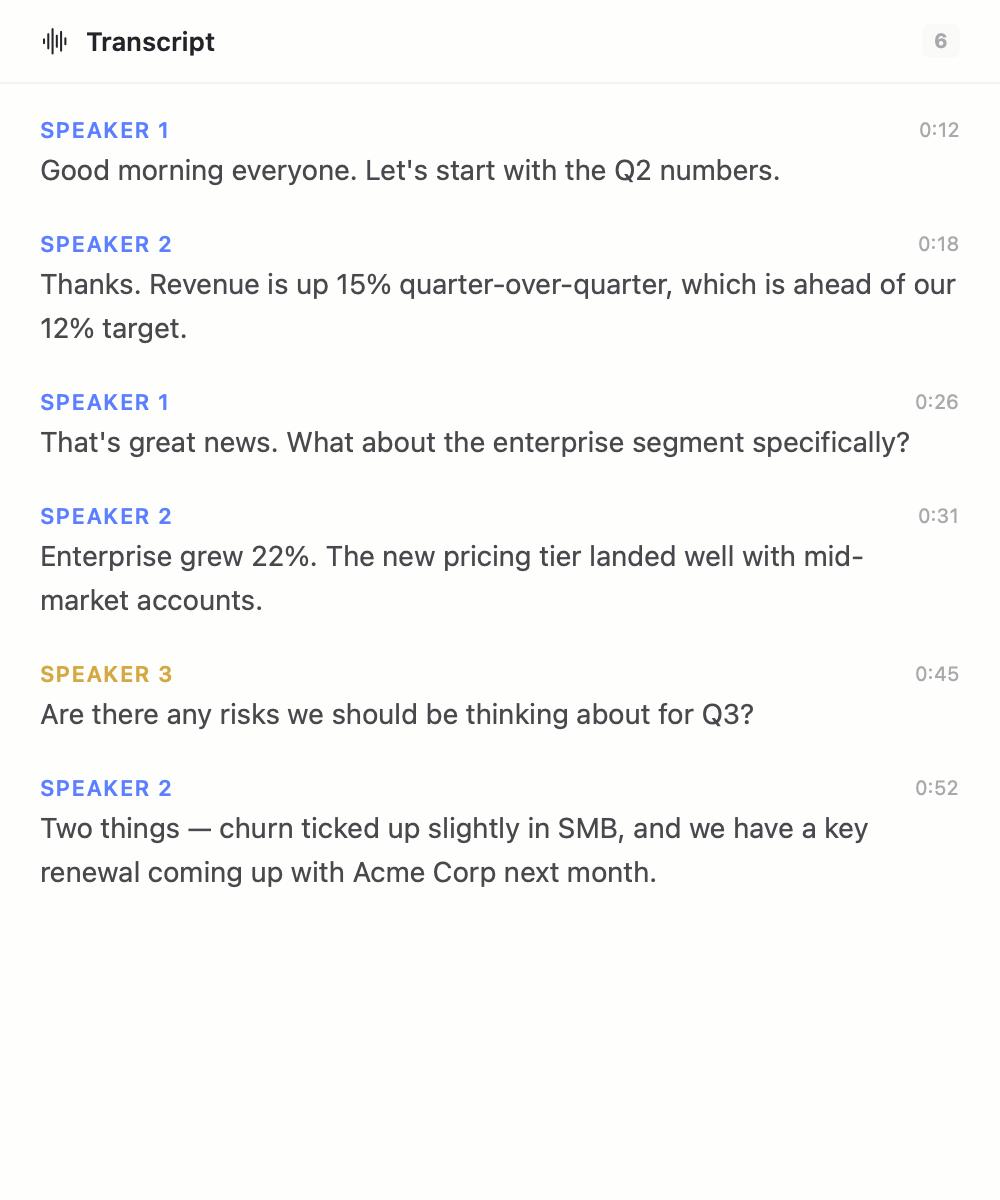
Transcript
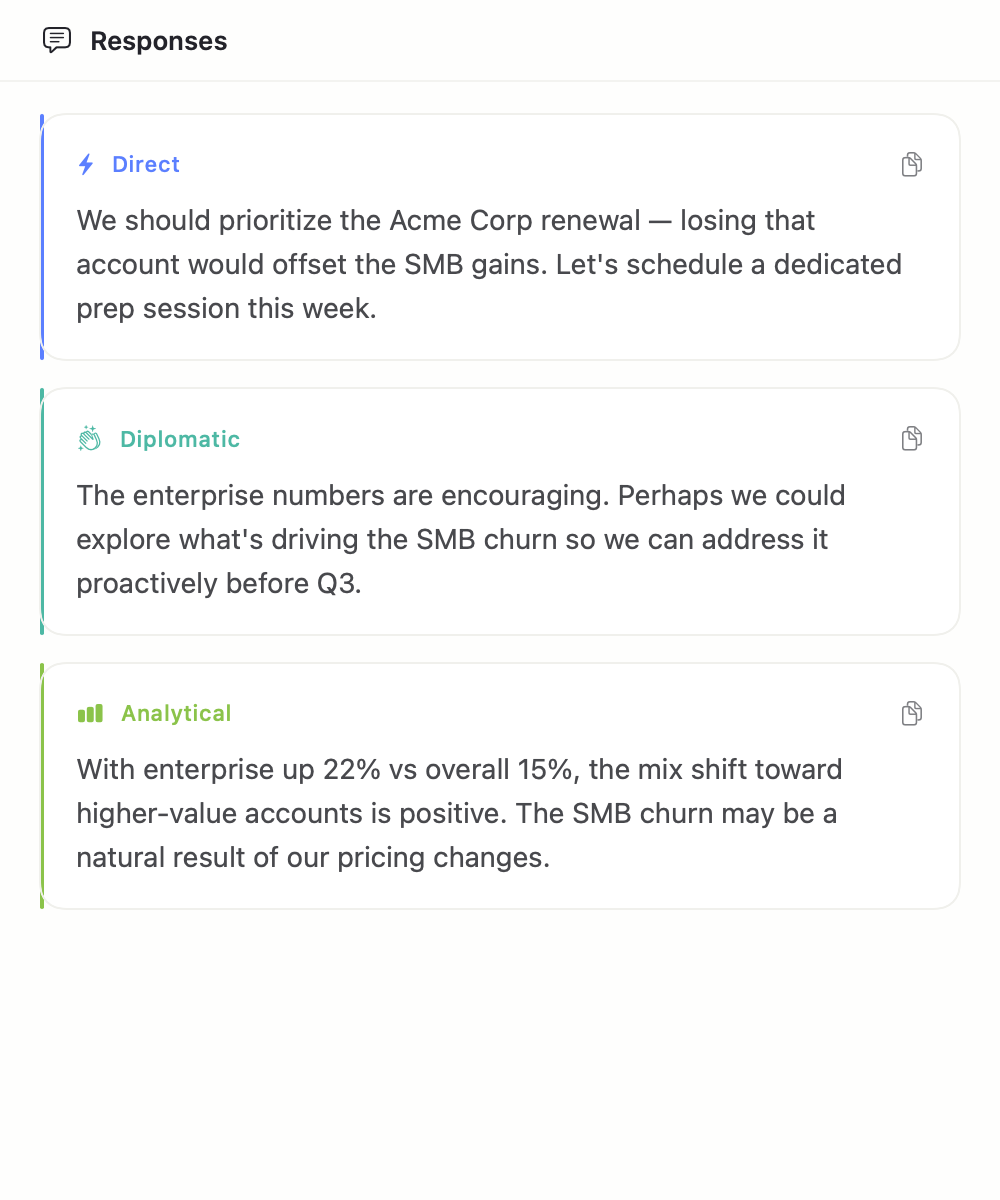
Responses
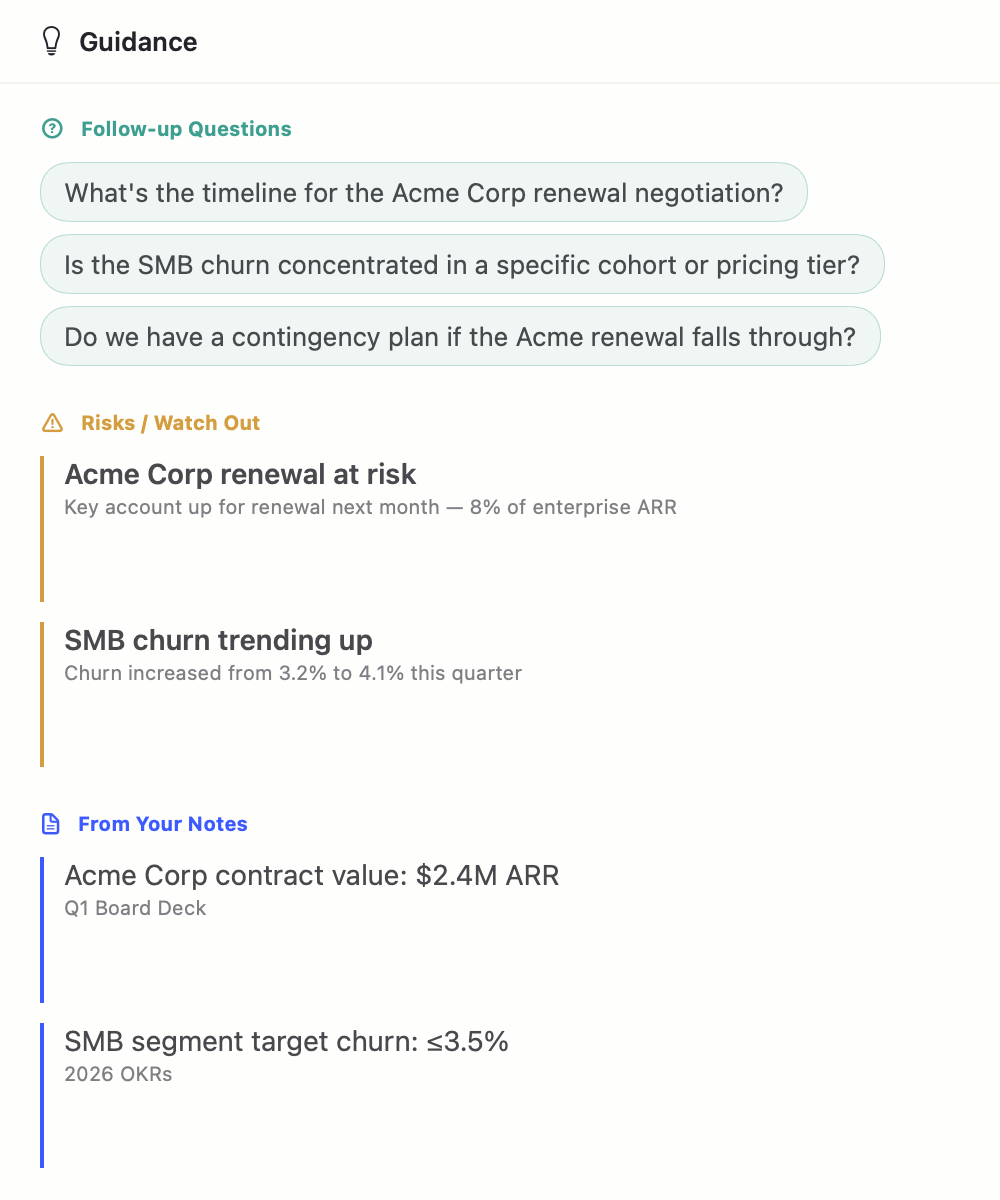
Guidance
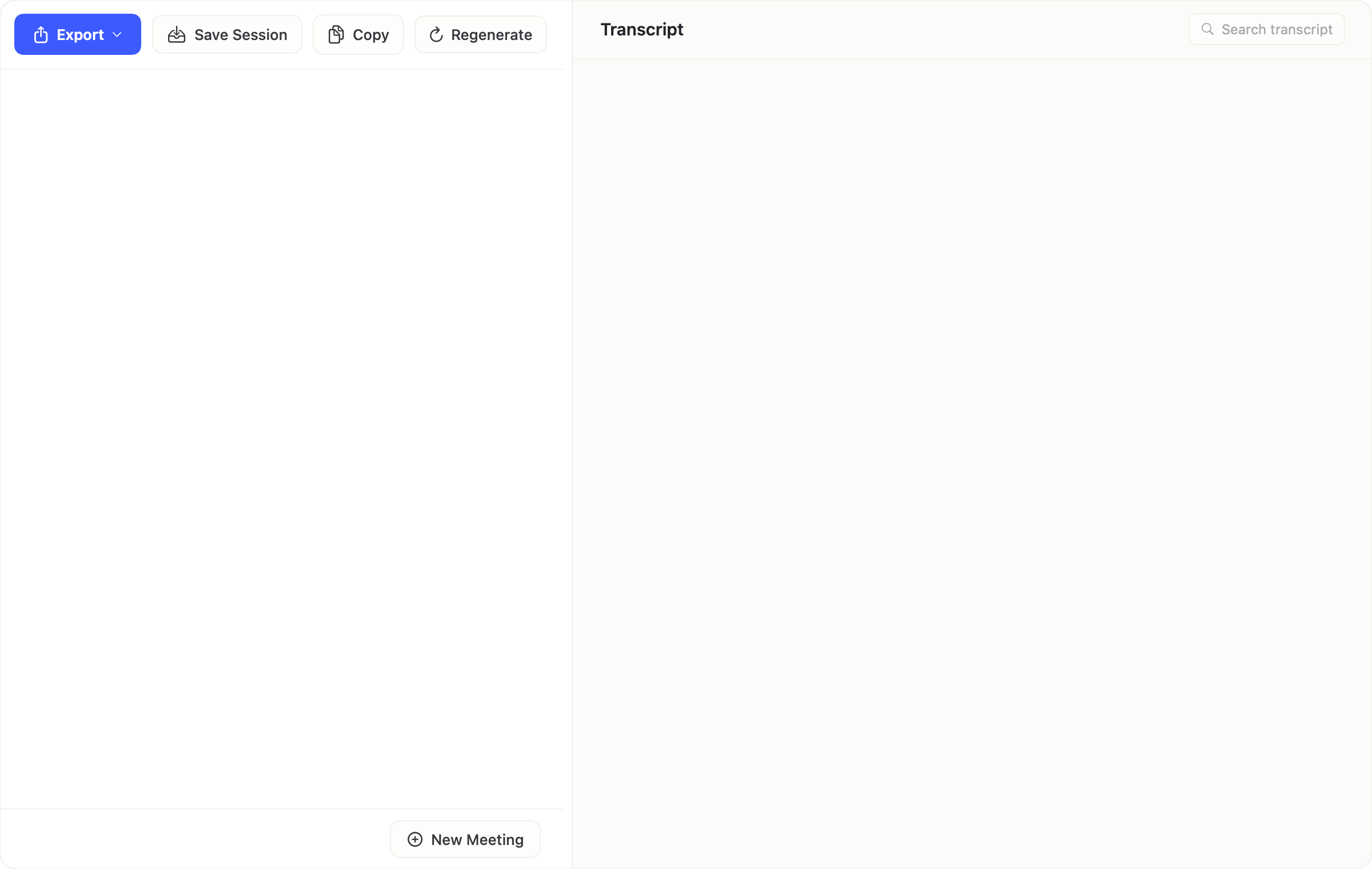
When the meeting ends, RONIN generates an editable summary alongside the full transcript — export, save session, copy, or regenerate, all from one toolbar.
Live Transcription
MLX Whisper running natively on Apple Silicon via Metal GPU acceleration. No cloud API calls, no latency.
Suggested Responses
Three tone-varied replies per batch — direct, diplomatic, analytical, or empathetic — generated locally as the conversation unfolds.
Contextual Guidance
Follow-up questions, risk flags when discussion conflicts with your goals, and relevant facts surfaced from your prep notes.
Editable Post-Meeting Review
Two-pane layout: editable summary cards on the left (executive summary, decisions with context, action items with assignees + deadlines, open questions), full transcript with search on the right. Click-to-edit, regenerate with a confirm-dialog so you never lose edits.
Bundled On-Device LLM
Qwen3-4B-4bit runs through MLX-LM on Apple Silicon. 32K live context with map-reduce to 128K for multi-hour meetings. Weights are signed into the DMG — no LM Studio, no API keys, no cloud.
Floating Overlay
Resizable 3-panel floating window (default 1100×520) sits over Teams, Zoom, or any video call. Drag dividers, dim the opacity, or collapse to compact mode from the menu bar.
Export & Save Session
Export summary + transcript to Markdown, plaintext, CSV, or Word (.docx). Save Session writes a .ronin.json archive to ~/Documents/Ronin/Meetings/ (user-only permissions, 50-file rolling retention).
Install Hygiene
Every launch reaps orphan Python backends, stale auth tokens, interrupted HuggingFace downloads, and temp scratch directories — so a fresh install (or a reinstall on top of old state) always boots into a clean, reproducible environment.
Bounded Memory
Sliding-window caps on the transcript (2,000 live / 8,000 archived) and copilot history (500 snapshots) keep multi-hour meetings predictable. Nothing is lost — export stitches the archive back in.
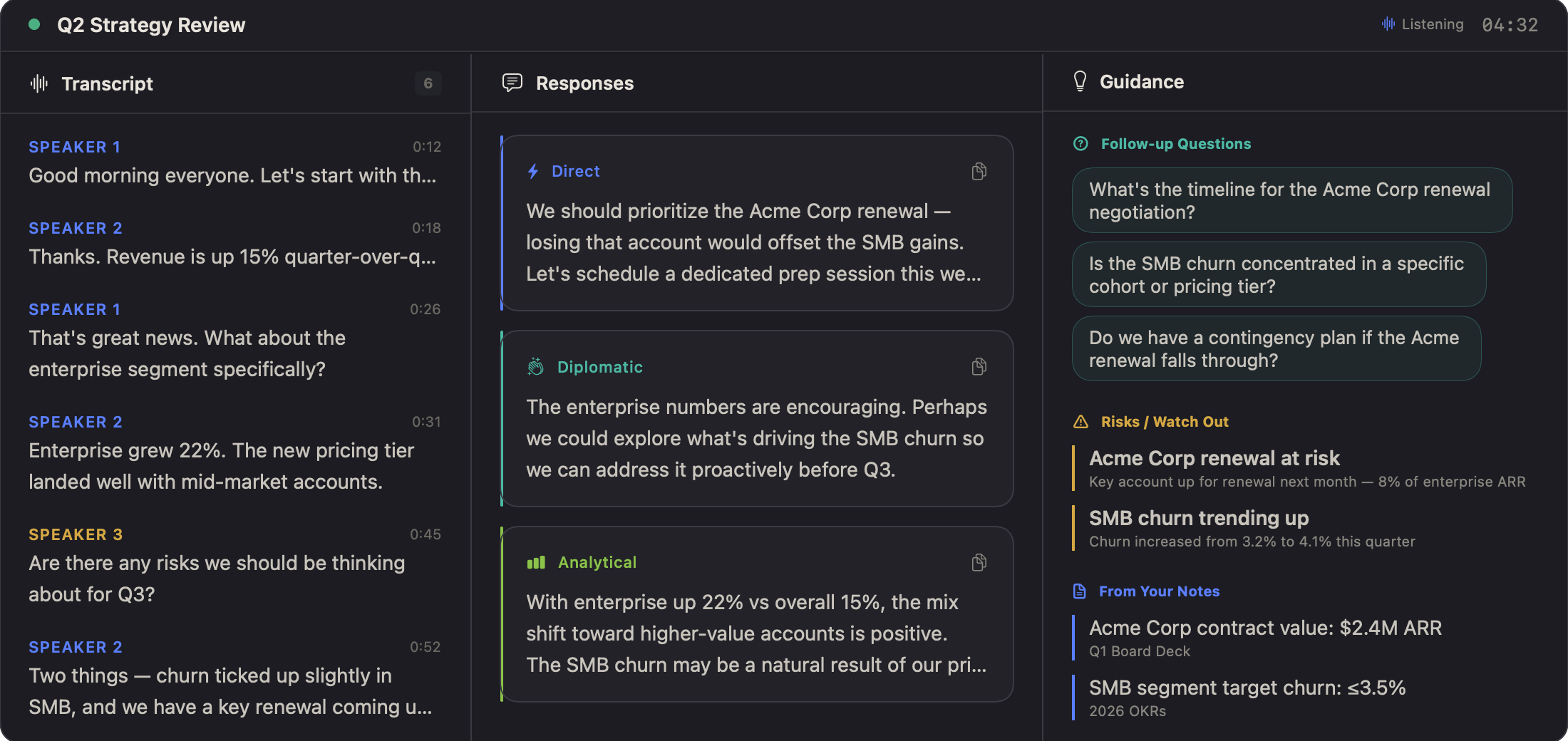
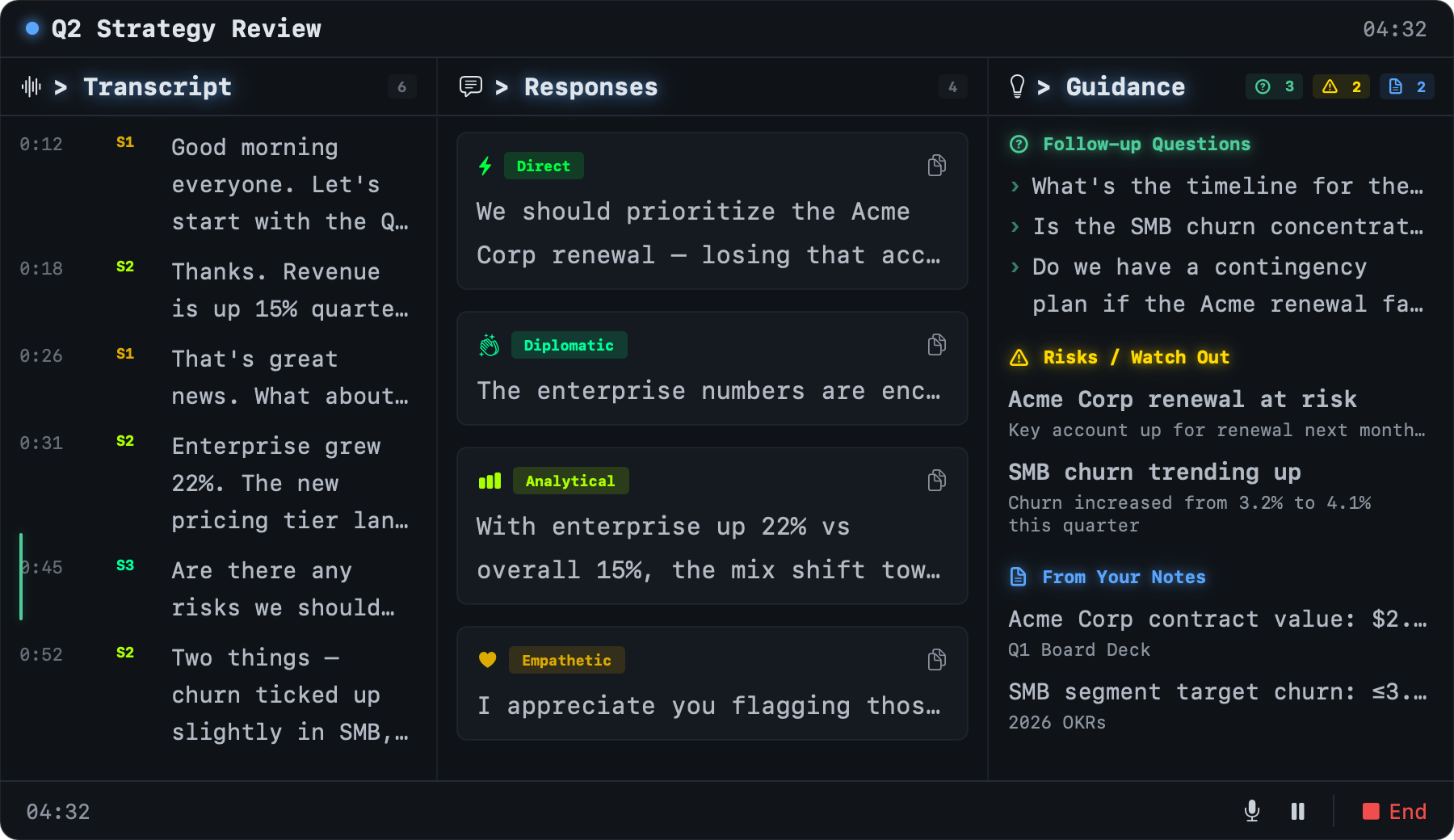
Every operator works differently. RONIN ships with seven distinct themes—the default Ivory (a clean, minimalist palette that adapts to system Light or Dark mode), classic Ronin indigo, Modern dark, warm Amber CRT, blue Tactical HUD, earth-tone Field Manual, and high-alert Defcon red. Switch instantly from Settings.
Ivory
Ronin
Modern
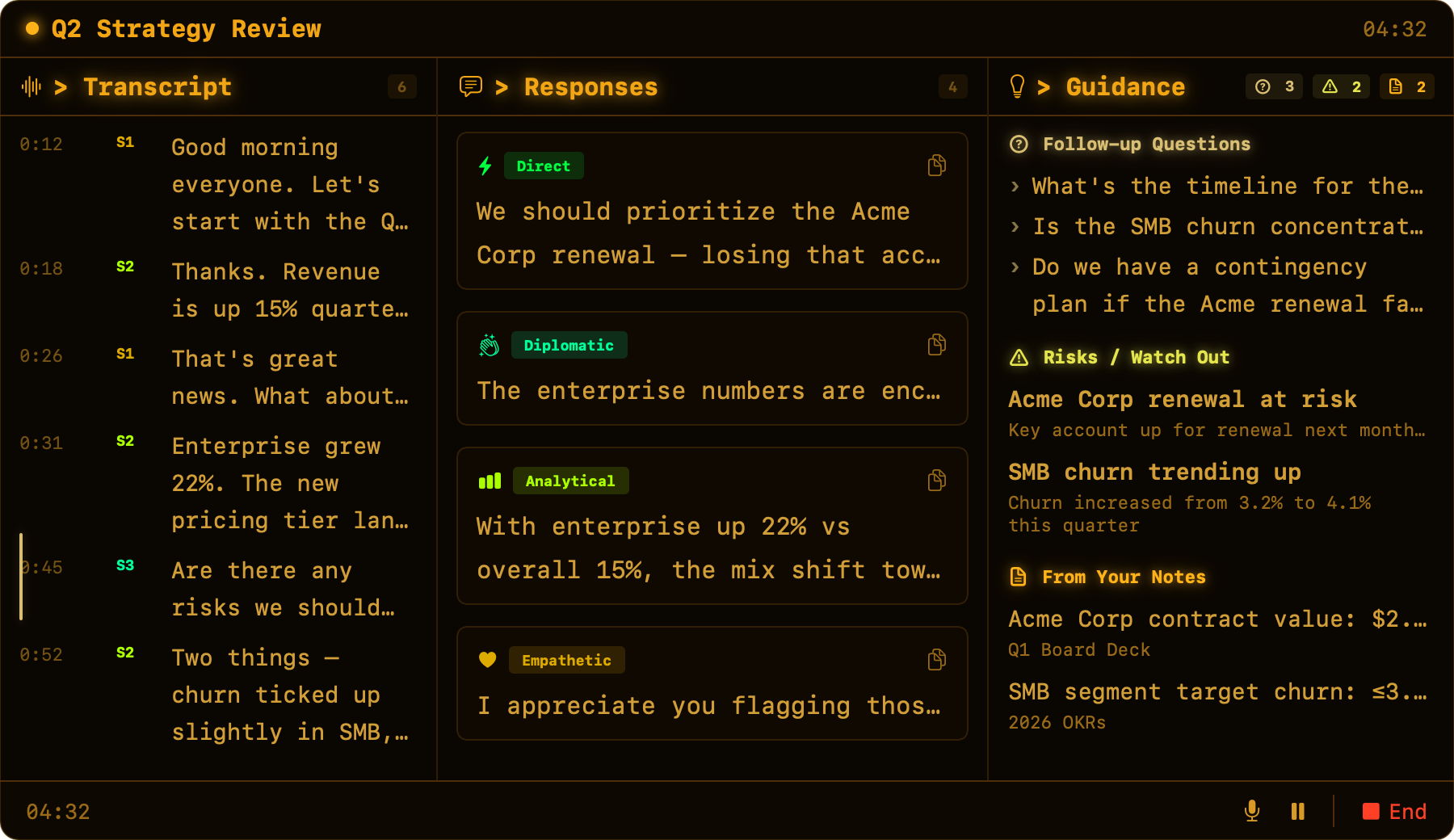
Amber
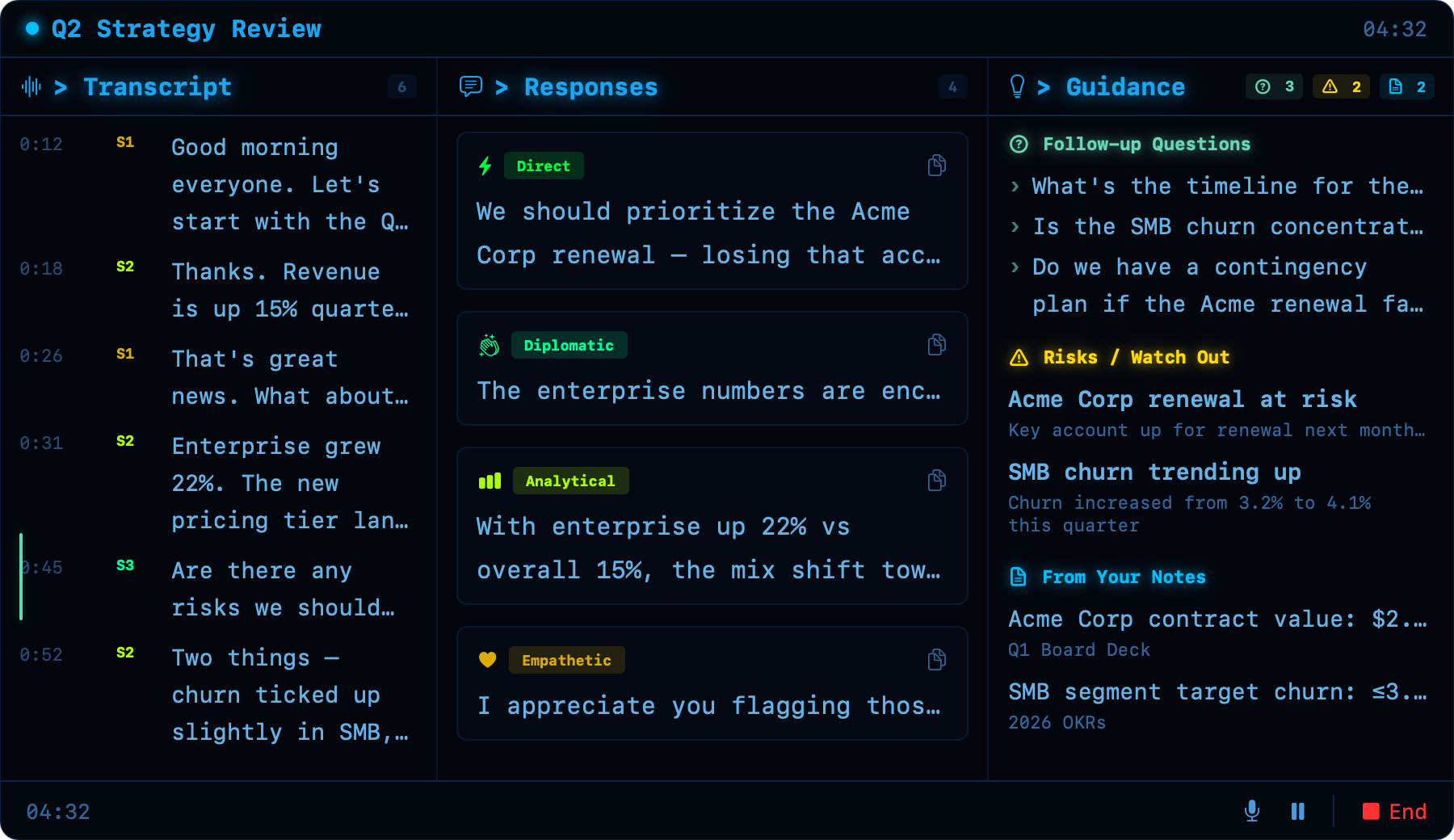
Tactical
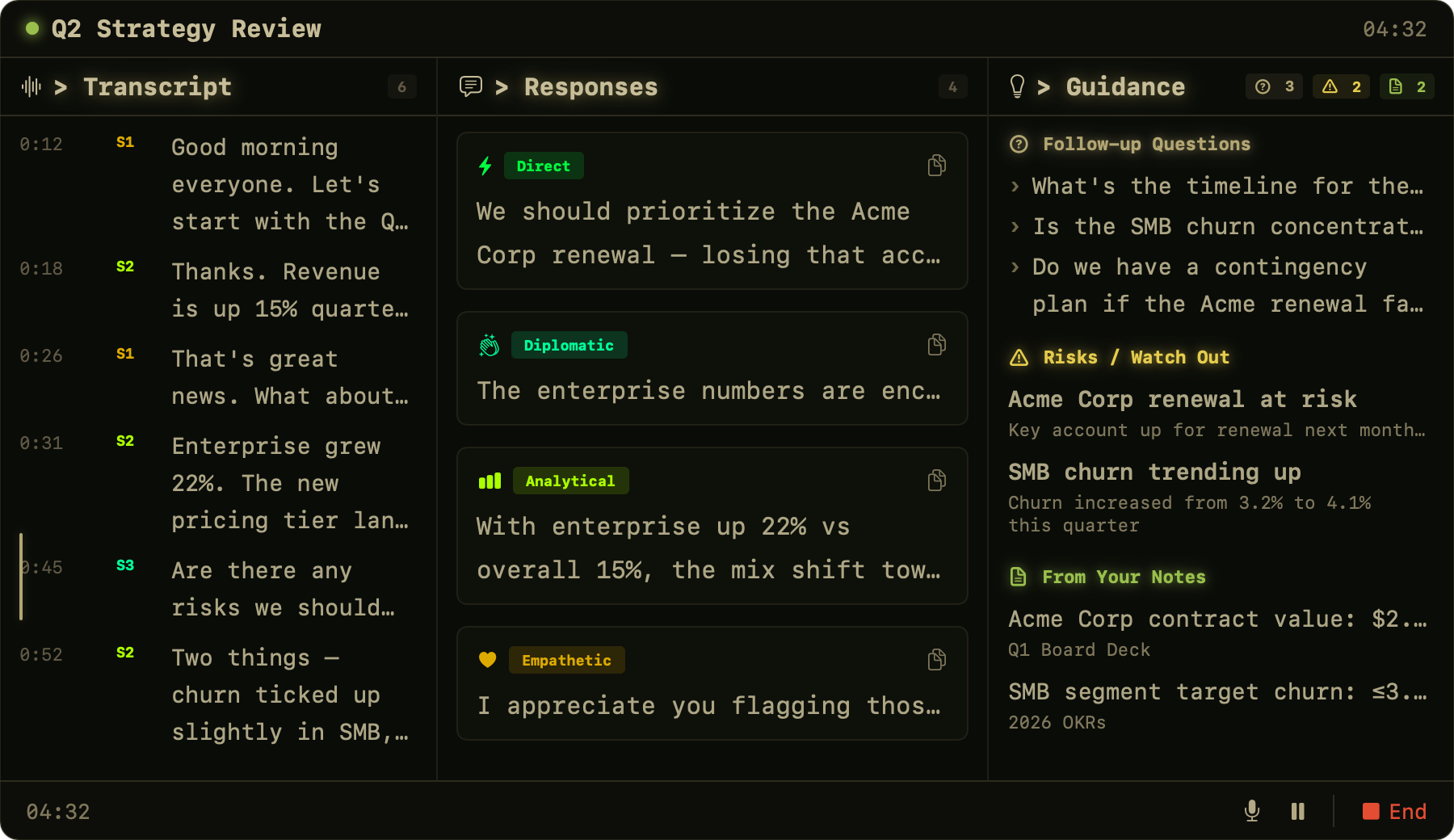
Field
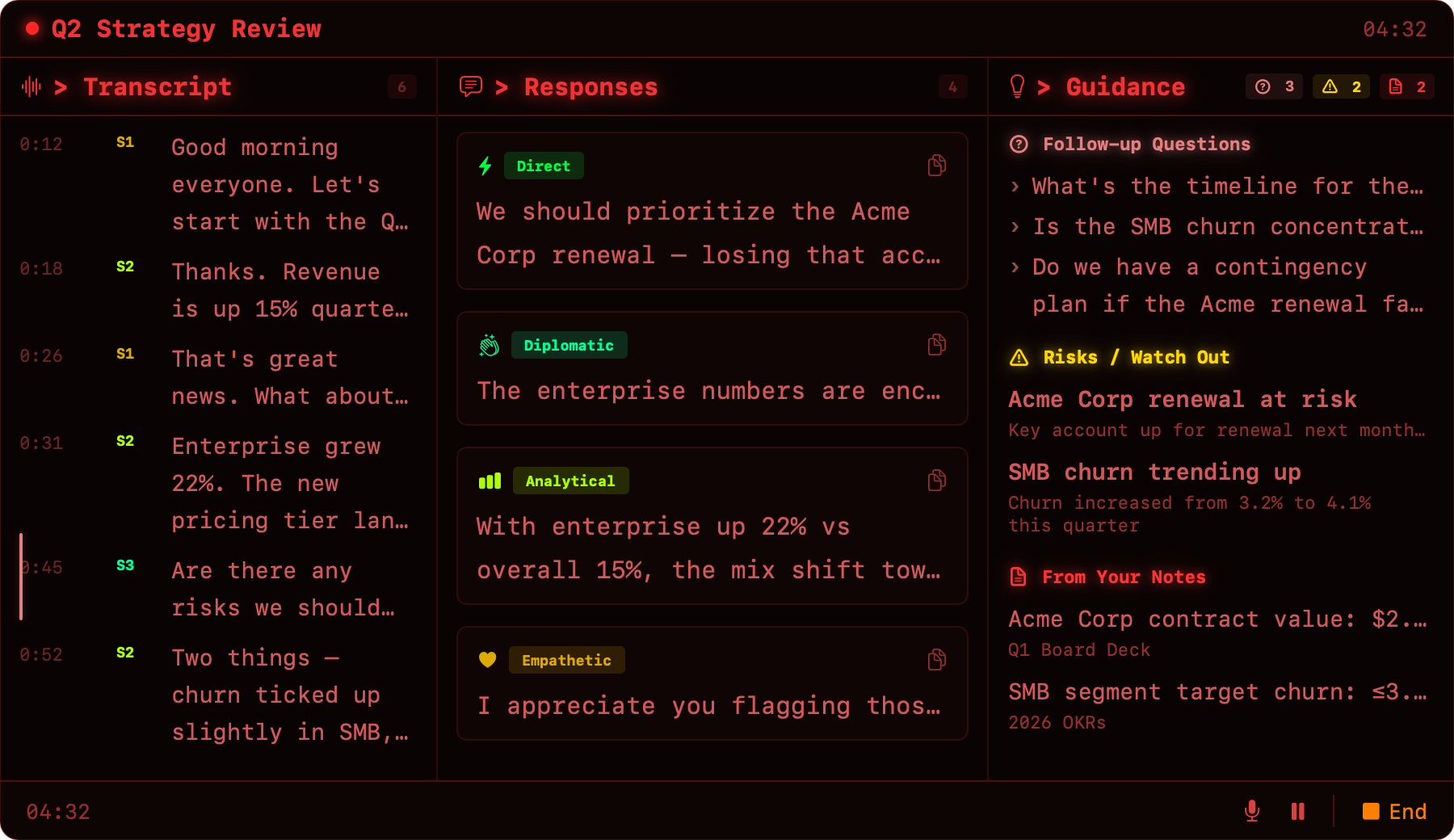
Defcon
On-device, end-to-end. RONIN ships as a SwiftUI macOS app paired with a bundled Python/FastAPI sidecar that the app launches on first run. Audio is captured via AVCaptureSession through Core Audio’s multiclient HAL (no aggregate device — plays nicely with Teams, Zoom, Meet). 16 kHz PCM chunks stream over a local WebSocket to the sidecar.
The sidecar runs MLX Whisper (whisper-small-mlx)
for transcription and MLX-LM with Qwen3-4B-4bit
(32K context window, map-reduce to 128K for long meetings) for copilot
suggestions, guidance, and the post-meeting summary. A single
GPUSerializer prevents Whisper and the LLM from contending for
the Metal GPU. Both models are bundled into the DMG — first launch
verifies the cache, and the install-hygiene preflight scrubs any
interrupted downloads before the backend starts.
Network usage: the FastAPI process binds only to
127.0.0.1:8000, rotates a fresh auth token on every startup,
and never makes outbound calls. Transcripts, summaries, and the saved
.ronin.json session archive live under
~/Documents/Ronin/Meetings/ (0700, user-only, capped at 50
most recent).
SwiftUI Mac App (Ronin.app)
  |- InstallHygieneService     reap orphan backends, stale tokens,
  |                            interrupted HF downloads, ensure dirs
  |- ThemeManager              Ivory (default) + 6 alternates;
  |                            auto light/dark via NSApp appearance
  |- MeetingPrepView  ──►  LiveCopilotView  ──►  PostMeetingIvoryView
  |                           |                    (editable summary
  |                           |                     + transcript pane
  |                           |                     + Export/Save/Copy
  |                           |                     + Regenerate)
  |- AudioCaptureService       AVCaptureSession @ 16 kHz mono,
  |                            NSLock-guarded mute / counters
  |- WebSocketService          127.0.0.1:8000, auth token on query,
  |                            sliding window (2K live / 8K archive)
  '- BackendProcessService     launches sidecar, health-checks,
                               restarts on LLM settings change
            |  (WebSocket — audio chunks + JSON copilot events)
            ▼
Python FastAPI Backend (127.0.0.1:8000, local-only)
  |- MLX Whisper               whisper-small-mlx, hallucination filter
  |- MLX-LM Provider           Qwen3-4B-4bit, 32K ctx (→128K via
  |                            map-reduce on long transcripts)
  |- GPUSerializer             asyncio.Lock — prevents Whisper/LLM
  |                            Metal contention
  |- Rotating file logger      ~/Library/Logs/Ronin/backend.log (5MB×3)
  '- Fresh auth token          rotated every startup, never logged