TEMPEST
Software-Defined Radio
An Apple-Silicon-native software-defined radio for RTL-SDR and HackRF. Real-time spectrum and waterfall, P25 Phase 1/2 trunking follow, twenty-plus protocol decoders, an integrated scanner with a bundled station database, and on-device AI transcription — all running locally, fully offline.
The radio spectrum is always there—weather alerts, aircraft transponders, public-safety trunked systems, amateur beacons, pagers still chattering on decades-old frequencies. Most of it is invisible without specialist hardware and a tangle of command-line tools.
TEMPEST turns a cheap USB dongle into a complete signals workbench. Plug in an RTL-SDR or HackRF, watch the spectrum come alive, click a signal, and the right decoder follows it—trunked talkgroups, aircraft positions, weather emergencies, digital voice. No cloud, no subscriptions, no Python soup. Everything runs natively on Apple Silicon with Metal-accelerated rendering and on-device AI, so it works the same on a bench or in a field with no internet at all.
Spectrum & Waterfall
Real-time FFT spectrum and phosphor waterfall with persistence display, pro colormaps, band-plan overlay, drag-to-tune, multi-VFO, and an SDR#-style filter box. Metal-accelerated.
P25 I/II Trunking
Control-channel follow with a live talkgroup roster, grant-following auto-retune, multi-site CC failover, allow/avoid lists, encryption skip, per-call recording, and AMBE+2 voice.
20+ Protocol Decoders
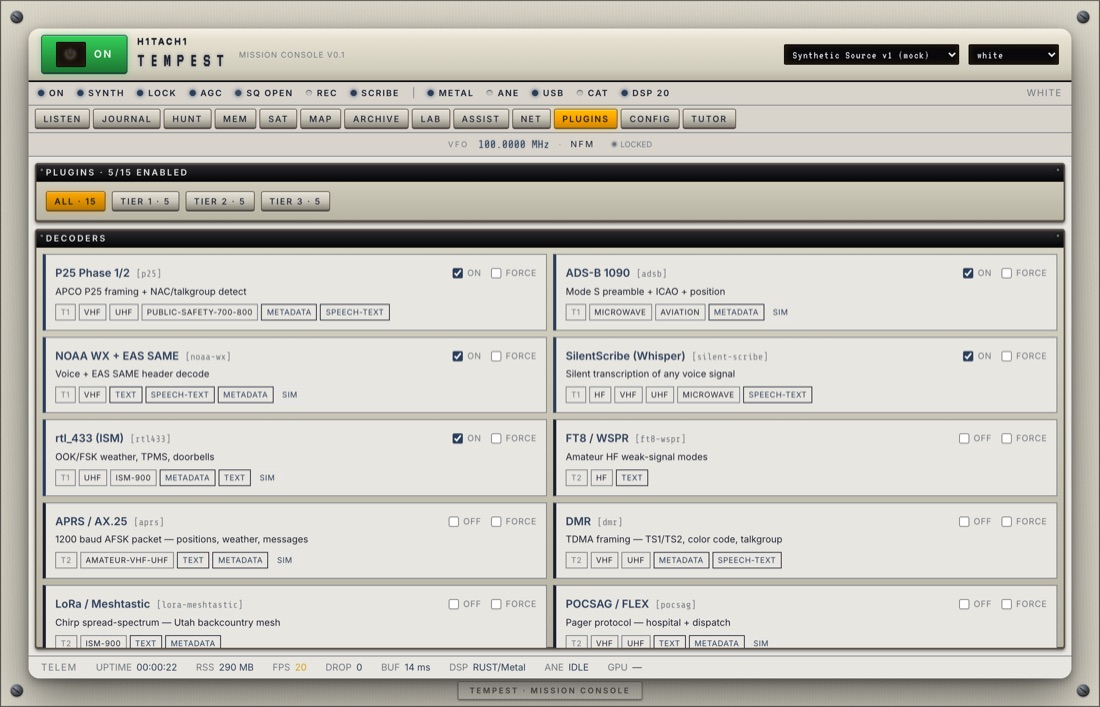
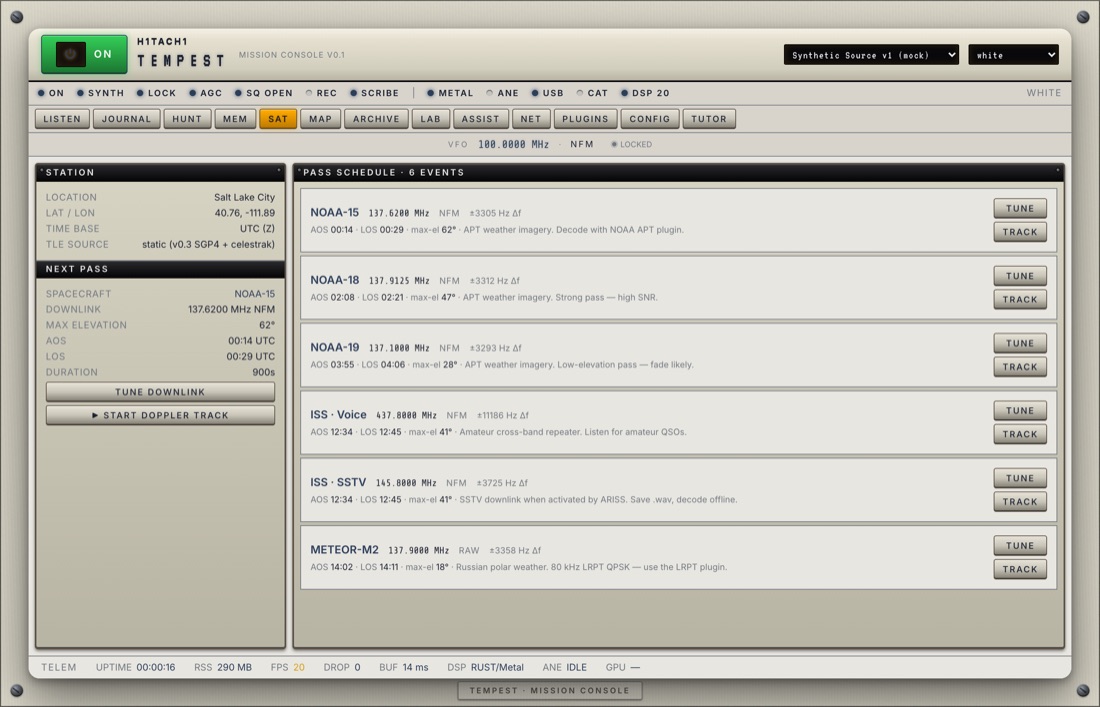
ADS-B aircraft (with CPR position), DMR, NXDN, TETRA, NOAA weather/SAME, RDS, FT8/WSPR, APRS, POCSAG/FLEX pagers, rtl_433 sensors, and more — real framing, not stubs.
Radio Hardware
RTL-SDR V3/V4, HackRF One, and Malahit DSP. Per-radio gain, bias-T, PPM calibration, a live input-level / clip meter, and automatic USB device-loss recovery.
On-Device AI
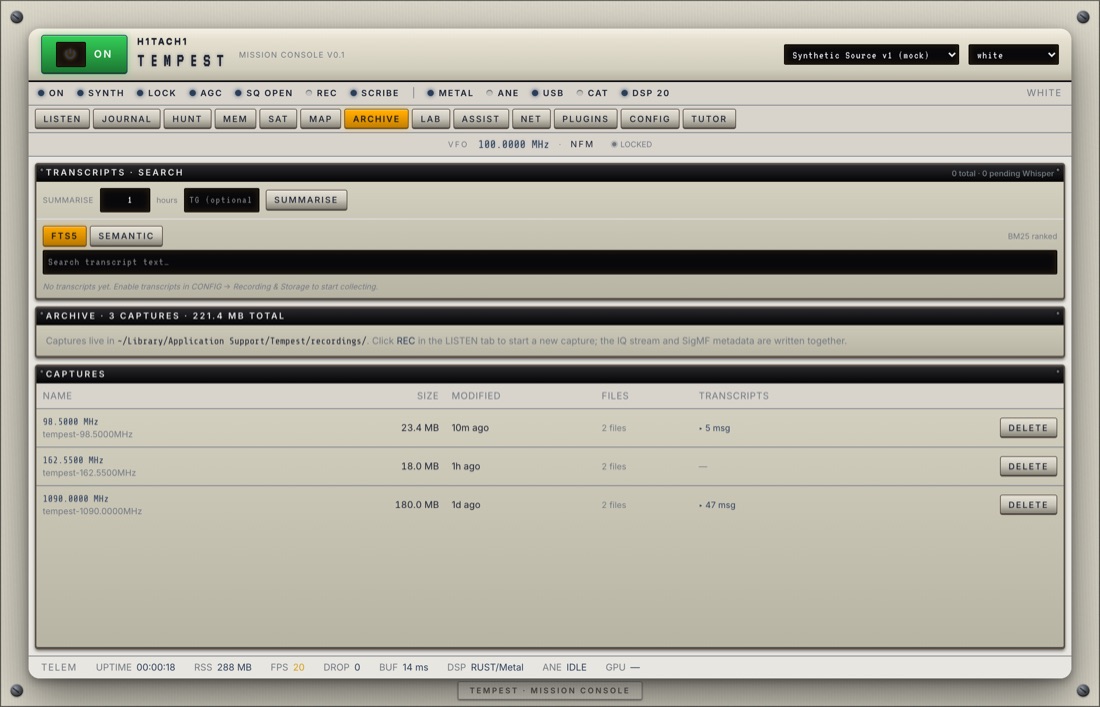
Voice transcription via whisper.cpp with Metal acceleration, plus semantic search over decoded traffic. Bundled in the app — nothing leaves your machine.
HUNT Scanner
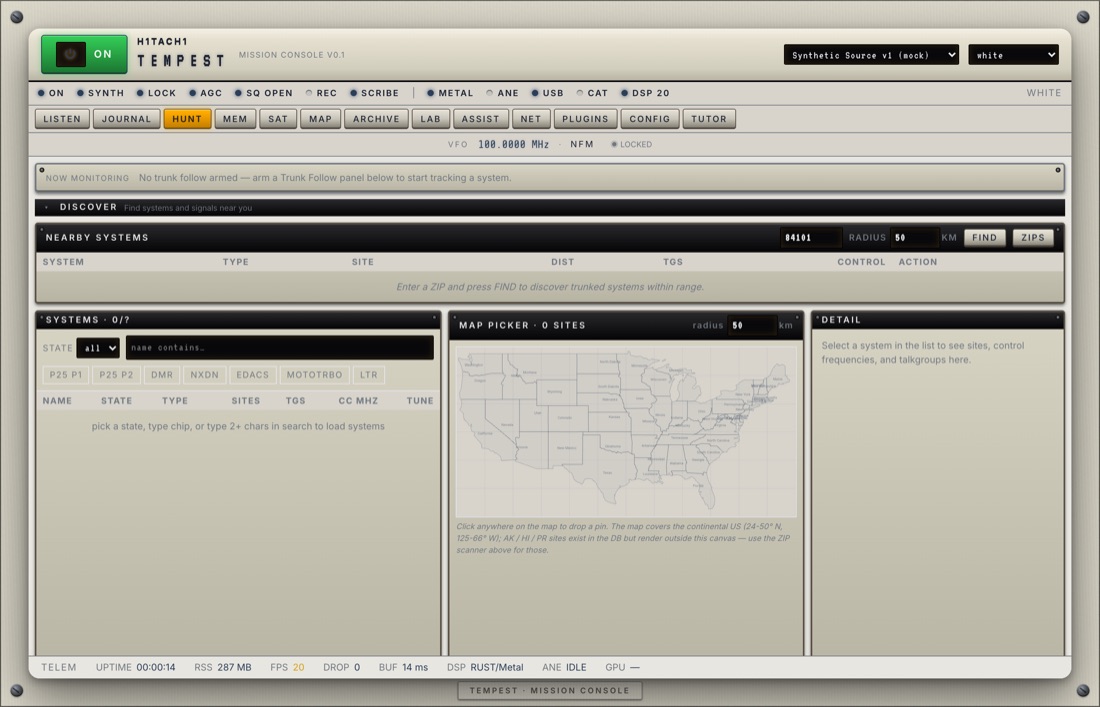
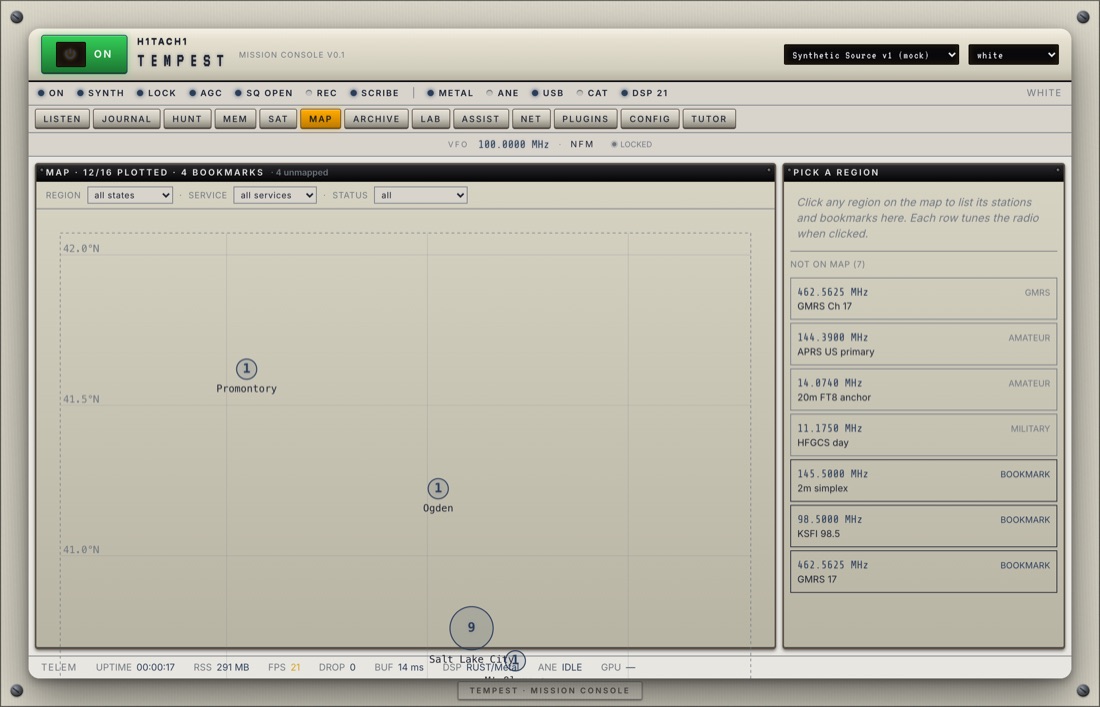
Conventional and trunked scanning over a bundled Uniden-style station database, scheduled scan jobs, bookmarks, and a map of nearby systems.
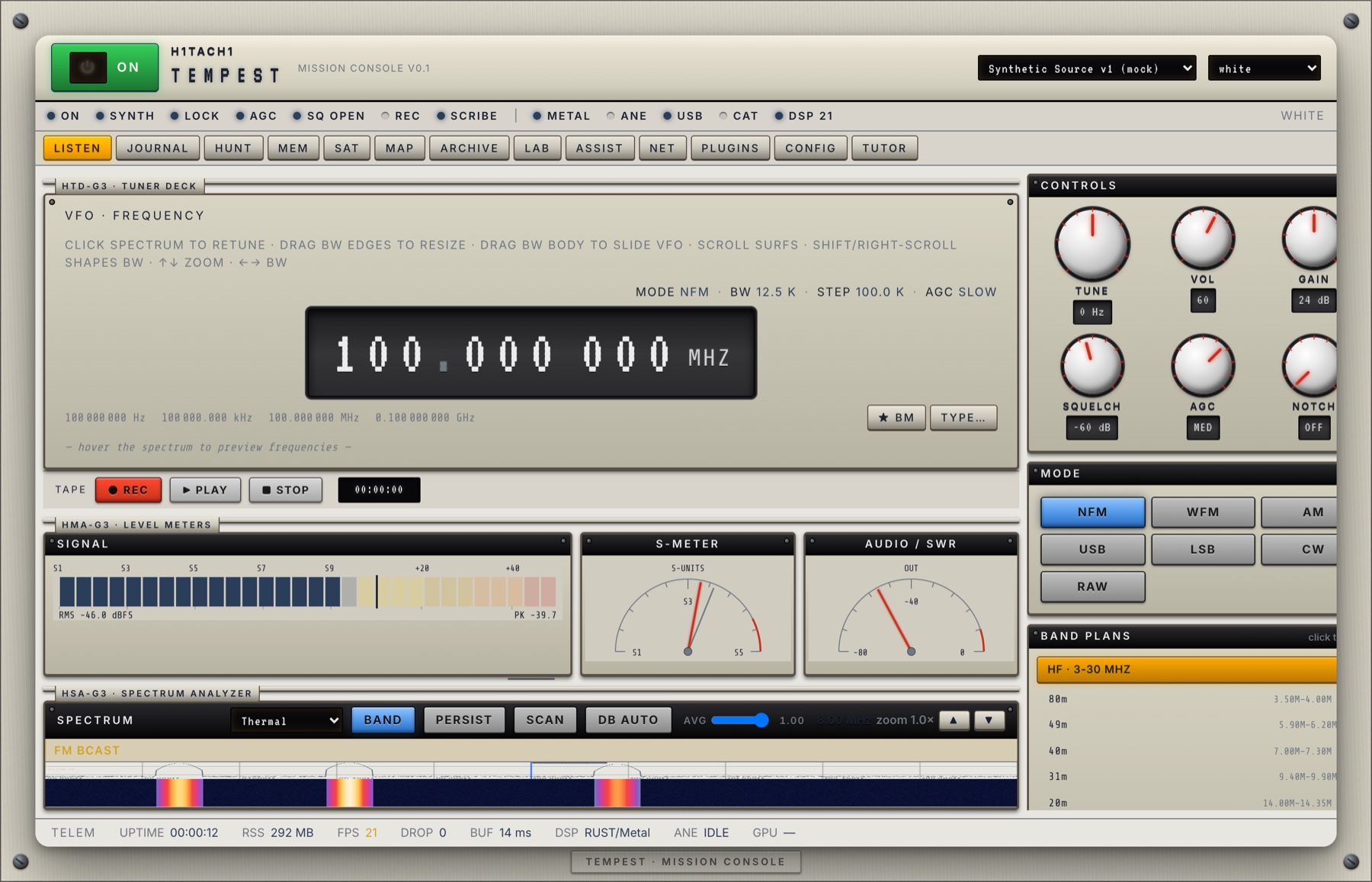
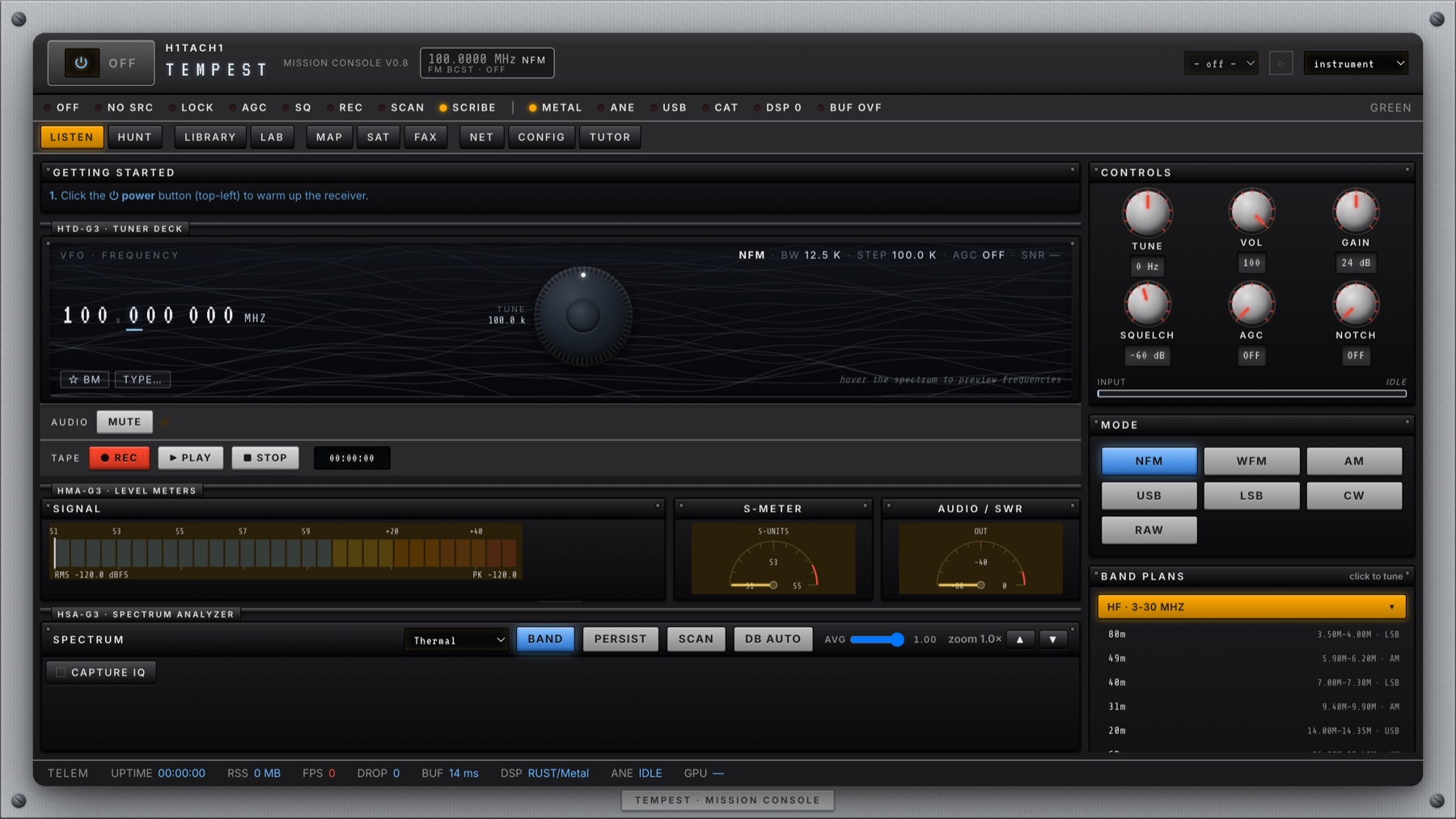
Lock a P25 control channel and TEMPEST builds a live roster of talkgroups, follows voice grants to the traffic channel, and rolls over to an alternate site if the control channel drops. Point it at 1090 MHz and aircraft populate with ICAO addresses and CPR-decoded positions. Tune 162 MHz for NOAA weather and SAME emergency alerts.
Beyond public safety: DMR, NXDN, and TETRA digital framing; RDS station text on the broadcast band; FT8 / WSPR and APRS for the amateur bands; POCSAG / FLEX pagers; and the long tail of rtl_433 ISM sensors. A signal classifier suggests what each carrier is and which decoder to arm — or you can force one and listen.
v0.8.0 · Apple Silicon · Signed & Notarized
Self-contained — the radio drivers and AI engine are bundled, so there is nothing to install with Homebrew. Plug in an RTL-SDR or HackRF and power on. A 24 MHz–1.7 GHz antenna (or the dongle’s whip) is all you need to start.